
Edit Picture
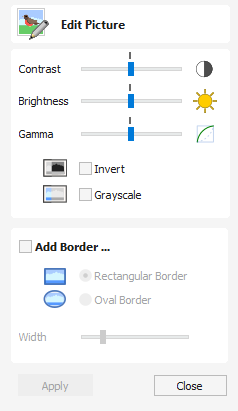
The Edit Picture form allows you to add a border to, and edit the properties of a selected bitmap.
Watch this video to see this in action:
 Contrast
Section titled “ Contrast”This slider adjusts the contrast.
A higher contrast emphasises the differences between the light and dark parts of the image.
A lower contrast will reduce that difference and make the image more neutral and average.
Brightness
Section titled “ Brightness”This slider adjusts the brightness of the image.
This slider adjusts the gamma correction applied to the image. This can make an image look lighter or darker whilst maintaining detail.
Invert
Section titled “ Invert”Inverts the colors in the image. White becomes black and black becomes white
Grayscale
Section titled “ Grayscale”Makes the image black and white.
Add Border
Section titled “ Add Border”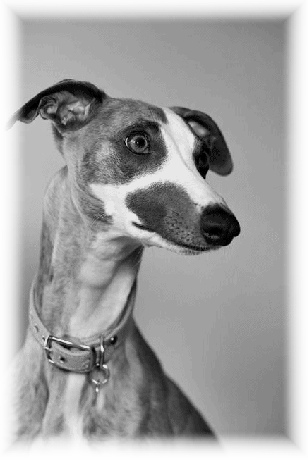
Rectangular Border
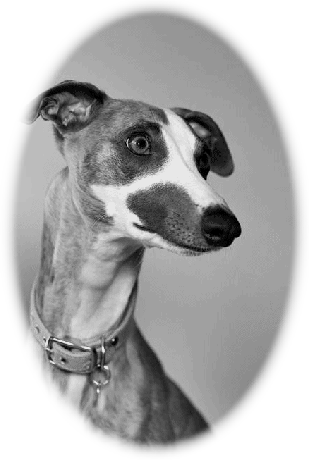
Oval Border
Fades the edges of the image based on the border type and the width of the fading.
Rectangular Border
Oval Border