
Offset Model
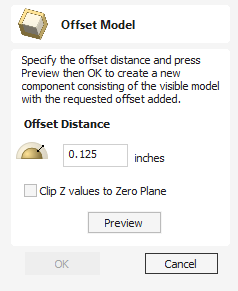
The Offset model tool creates a 3D offset of the composite model.
To use the tool, specify the distance that you want to offset the model.
Click on the Preview button to see the results of the offsetting.
Click OK to proceed or click Cancel to exit the form.
The Clip Z values to the Zero Plane option will ensure that the final result will always be positive. When used on models with areas that end up lower than the zero plane these parts of the model will be removed leaving only the positive values. This can be helpful when you have a flat plane as part of the model to avoid it being effectively lowered by the offset amount.
Using this function you can offset with either positive or negative values.
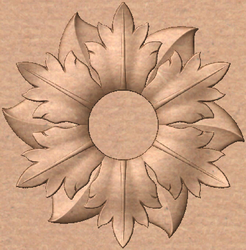
Original model
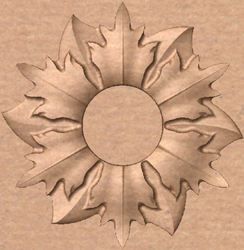
Negative Offset
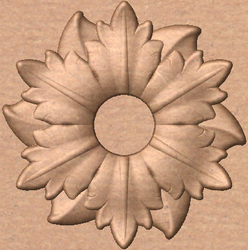
Positive Offset
Note
Clicking the Preview button repeatedly will apply your chosen offset multiple times. Click the Cancel button to remove all effects of the previews.